
Why Google Ads Matters for Real Estate
If Facebook and Instagram are where you catch people's attention while they're scrolling, Google is where you catch them when they're actively looking. When someone types "houses for sale in Bondi" or "best real estate agent near me" into Google, they already have intent. They're not casually browsing - they want answers right now.
That's what makes Google Ads so powerful for real estate. You're not interrupting someone's scroll, you're answering their question at exactly the moment they're asking it. And with AdPropix, you can now build Google Ads campaigns using the same simple wizard you already know - no Google Ads experience needed.
The Three Campaign Types, Explained Simply
Google Ads can seem overwhelming with all its options, but for real estate agents, there are really only three campaign types that matter. Here's what each one does in plain English:
Search Ads - Show Up When People Search
This is the simplest one to understand. When someone searches Google for something related to your area - like "real estate agent Manly" or "4 bedroom house for sale Paddington" - your ad appears at the very top of the results, above all the organic listings.
You write a few headlines and descriptions (AdPropix generates these for you using AI), and Google rotates them to find the combination that gets the most clicks. You only pay when someone actually clicks your ad.
Best for: Agents who want to capture people actively searching for properties or agents in their area. Great for all five services - listings, buyer finder, just sold, agent authority, and vendor trust.
Performance Max - Reach Everywhere Automatically
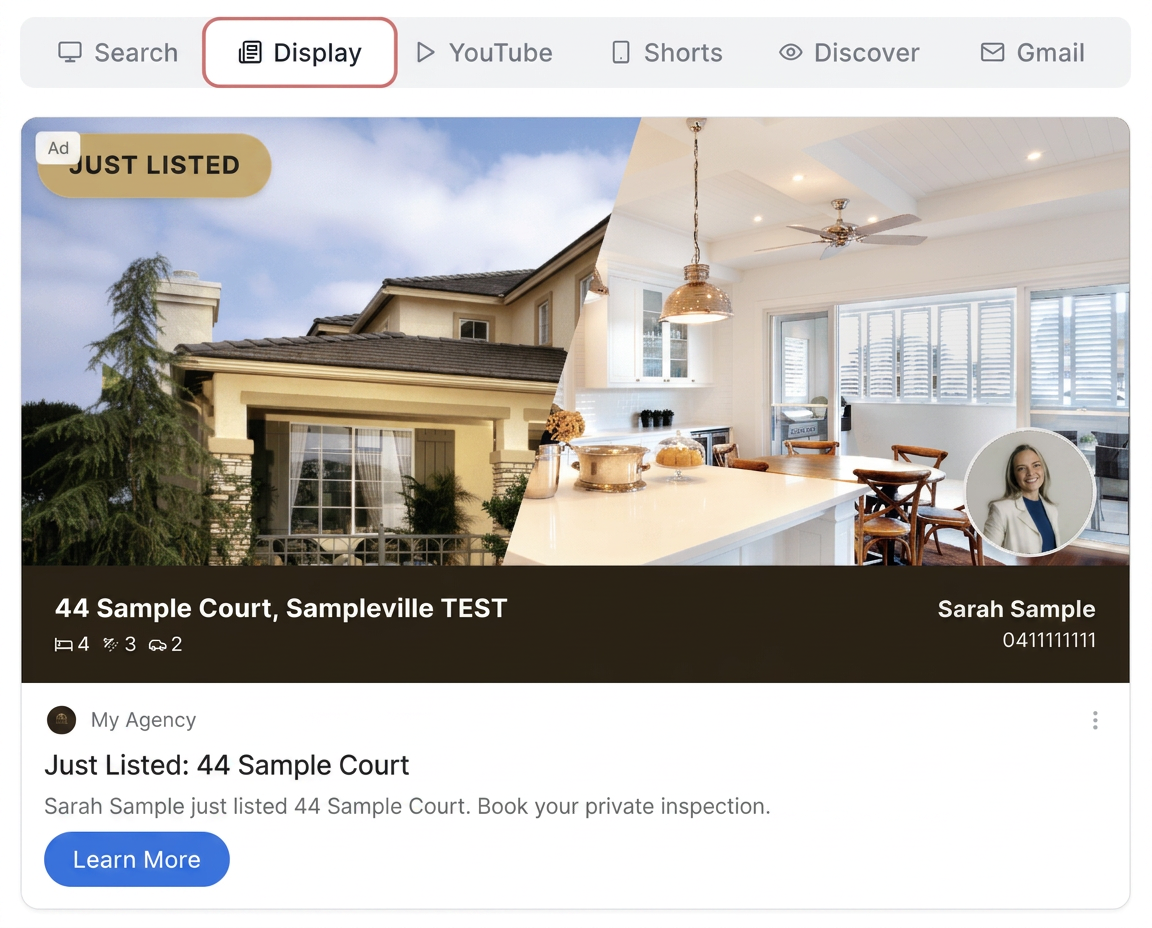
Think of Performance Max as your "set it and forget it" campaign. You provide your images, headlines, and descriptions, and Google's AI automatically shows your ads across every Google platform - Search, YouTube, Gmail, Discover, and Display (banner ads on websites).
Google's machine learning figures out where your ads perform best and automatically shifts your budget to those placements. You don't need to manage each placement separately.
Best for: Agents who want maximum reach across all of Google's platforms without having to manage multiple campaigns. Ideal for property campaigns and brand building.
Demand Gen - Visual Ads That Inspire
Demand Gen is Google's answer to social media advertising. It's designed for eye-catching image and video ads shown on YouTube, Google Discover (the feed you see when you open Chrome), and Gmail promotions.
Unlike Search Ads where people are already looking, Demand Gen reaches people who haven't started searching yet but match your ideal buyer or seller profile. It's the Google equivalent of your Facebook and Instagram campaigns.
Best for: Showcasing beautiful property images and building your brand with people who aren't actively searching yet but live in your target area.
Build a complete real estate campaign in under 15 minutes.
AdPropix turns a single listing URL into a launch-ready campaign across Google, Microsoft, Facebook and Instagram - with hyper-targeted geo audiences, 1,500+ on-brand templates and vendor-paid reporting built in.
How AdPropix Makes It Easy
If you've ever opened the Google Ads dashboard, you know it can be overwhelming. Hundreds of settings, confusing terminology, and no guidance on what actually works for real estate. AdPropix takes all of that away.
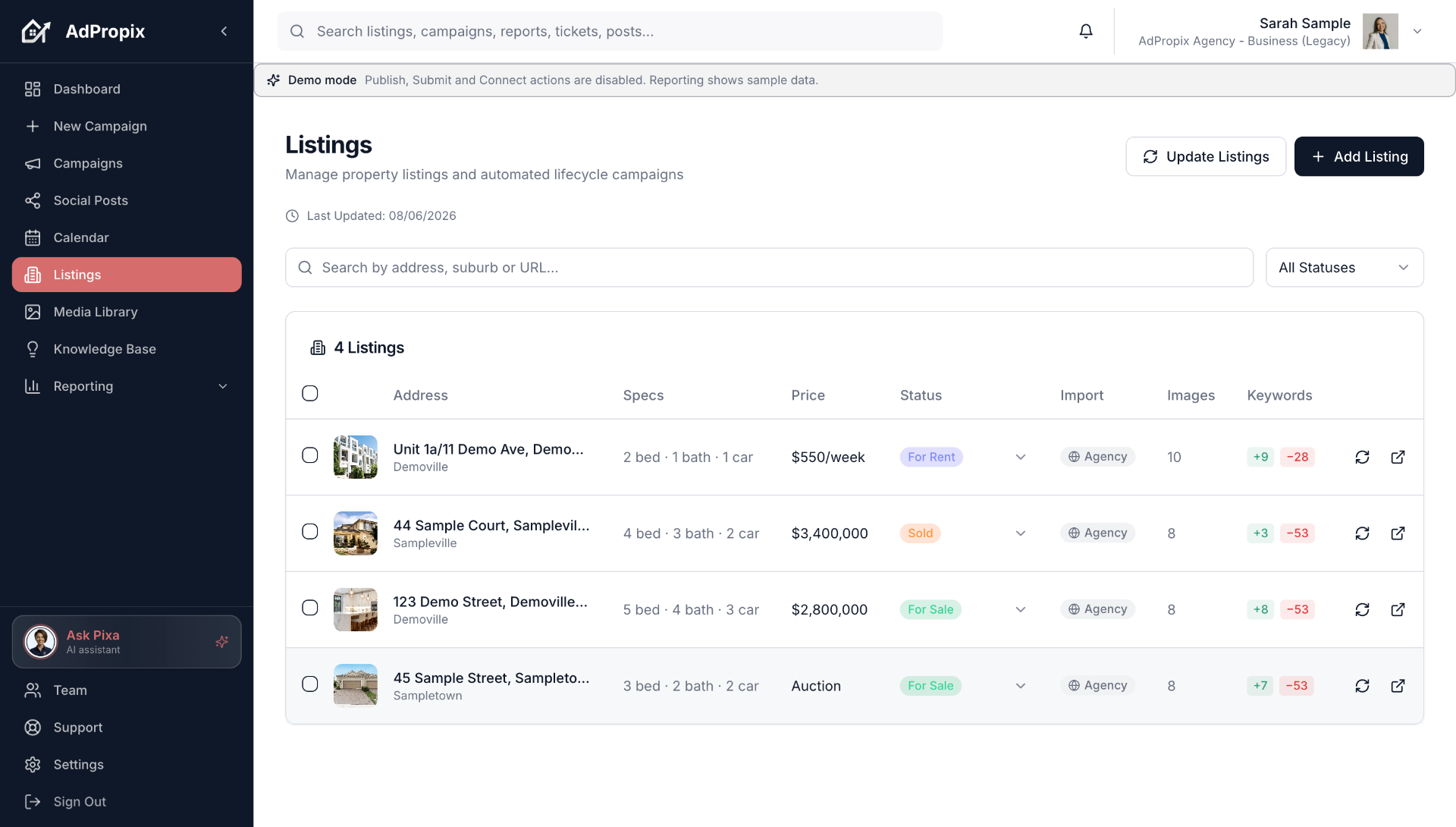
Here's what happens when you build a Google Ads campaign with AdPropix:
Everything technical - keyword match types, audience signals, conversion tracking, UTM parameters - is handled automatically behind the scenes. You focus on your listings, AdPropix handles the Google Ads complexity.
Which Campaign Type Should You Choose?
Here's a simple guide:
Most agents start with Performance Max because it covers all placements automatically. As you get more comfortable, you might add Search campaigns for specific high-intent keywords or Demand Gen for visual property showcases.
Keywords, Audiences, and Targeting
AdPropix pre-loads expert-built targeting for each service type, so you don't need to research keywords or audiences yourself:
All of this is set up for you. You just confirm and submit.
Getting Started
If you're already using AdPropix for Meta campaigns, adding Google Ads is seamless - it's the same wizard, same design templates, same simple process. Just choose "Google Ads" as your platform when creating a new campaign and follow the guided steps.
Your property images, branding, and agent details carry across both platforms automatically. One setup, two advertising powerhouses.
Frequently asked questions
What is the fastest way for a real estate agent to apply google ads for real estate agents: a plain-english guide?
Paste a listing URL into AdPropix. The platform extracts your brand DNA, builds suburb-of-focus geo audiences, renders every ad size across Google, Microsoft, Facebook, Instagram and TikTok, and configures tracking - a complete campaign in under 15 minutes, engineered by real estate digital marketing experts.
How does AdPropix help with google ads real estate?
AdPropix is a purpose-built real estate marketing platform. It handles google ads real estate end-to-end: brand-locked creative, hyper-targeted audiences, paid + organic distribution, vendor-paid reporting and CRM sync - all from a single listing URL or CRM-synced property.
How long does it take to set up google ads real estate on AdPropix?
Under 15 minutes from listing URL to launch-ready, multi-channel campaign. The 14-day free trial requires no credit card, and complete vendor-paid reporting is built in.
Put this into practice with AdPropix
Stop stitching tools together. Paste a listing URL and AdPropix produces a complete, on-brand campaign with expert-grade targeting in under 15 minutes - across Google, Microsoft, and social.
60 seconds to start. No card required.