

Why 15 Minutes Matters
Most agents lose the first 24 hours of a listing to setup. The campaign gets stitched together across Canva, Ads Manager, the property portal, a spreadsheet and a CRM - and by the time it goes live, the buyer audience has already moved on to the next listing. The 15-minute benchmark exists because every additional hour spent in setup is an hour the listing is not being marketed.
The fastest agents in Australia, New Zealand, the United States and the United Kingdom now build complete digital campaigns end to end in under 15 minutes. Here is how.
Step 1: Paste The Listing URL (Under 1 Minute)
The campaign starts with the listing URL from the agency website, portal or CRM. The address, price, photos, floorplan, agent contact and inspection times are pulled automatically. There is no manual upload, no copy paste from the portal, no re-typing of the address.
Build a complete real estate campaign in under 15 minutes.
AdPropix turns a single listing URL into a launch-ready campaign across Google, Microsoft, Facebook and Instagram - with hyper-targeted geo audiences, 1,500+ on-brand templates and vendor-paid reporting built in.
Step 2: Brand DNA Locked In Automatically (Under 1 Minute)
The agent's brand colours, fonts, logo and headshot are extracted from the agency website and locked in across every template. This is the part most agents skip when they build campaigns manually - and it is the part that makes the difference between a polished campaign and a generic one. Done once, then reused on every campaign forever.
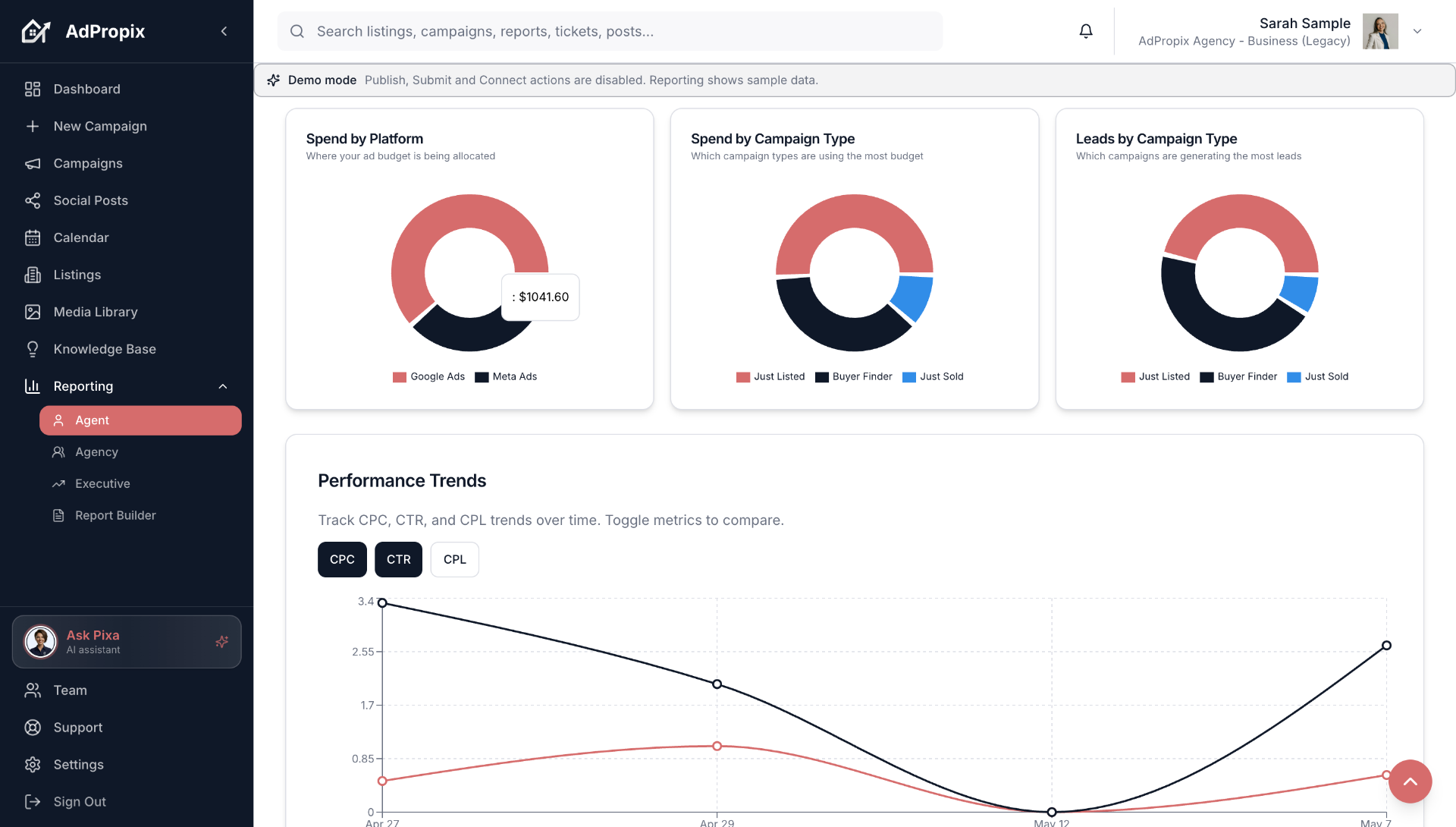
Step 3: Pick The Campaign Type (Under 1 Minute)
Six campaign types cover the full listing lifecycle:
Each campaign type ships with the right defaults for creative, copy, targeting and tracking - so the agent does not have to configure them from scratch.
Step 4: Creative And Copy Generated (Automated In Minutes)
1,500+ on-brand templates render automatically in every aspect ratio - 1:1, 4:5, 9:16, 16:9 - across every placement on Meta, Google and Microsoft. A property video is generated from the listing photos with transitions, music and overlays. Ad copy is written for each platform using the property details, with the agent reviewing and approving before launch.
This is the step that takes the longest in manual workflows - and the step that disappears entirely in a real estate marketing platform.
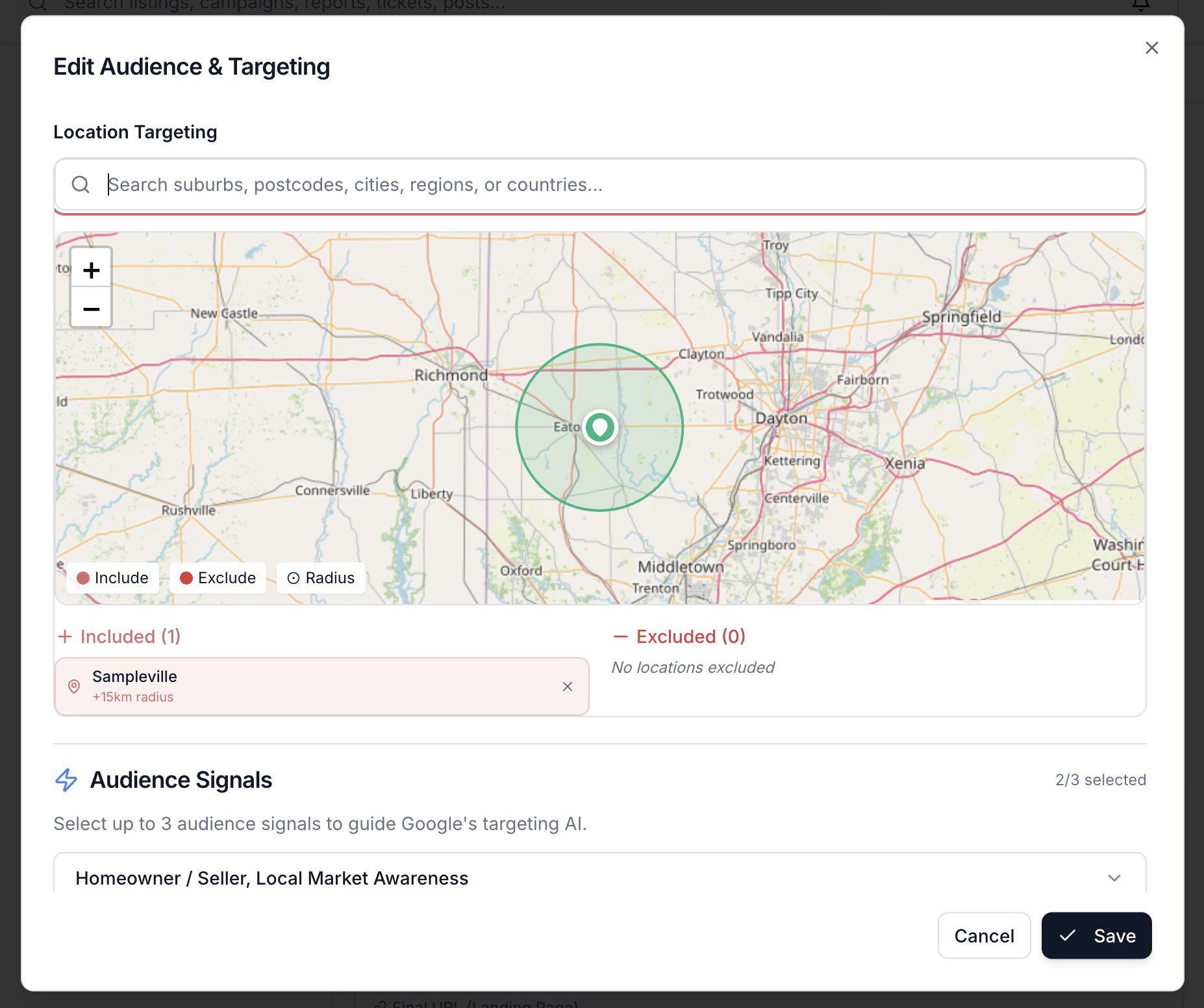
Step 5: Suburb-Level Targeting Locked In (Under 2 Minutes)
The agent selects the suburb of focus and a custom radius ring around it. Intent-signal audiences for active buyers, sellers and investors are layered on automatically. Lookalike audiences built from previous sold-listing data are applied where available. The agent does not pick demographic checkboxes - the targeting is built around how property actually gets bought and sold.
Step 6: Conversion Tracking Configured (Under 1 Minute)
GTM, GA4, Microsoft UET and Meta Conversions API are wired up in the background. Lead-form submissions, enquiry buttons, video views, scroll depth and time on page are all captured. Most agents have never set this up correctly in a manual workflow - and it is the reason their reporting is unreliable.
Step 7: Vendor-Paid Invoicing (Under 1 Minute)
For vendor-funded campaigns (Just Listed, Open Home, Auction), the campaign is invoiced through the marketing schedule with itemised line items and a branded PDF report attached. For agent-funded campaigns (Buyer Finder, Agent Authority), the spend is billed directly to the agent or agency.
Step 8: Review, Launch, Done (Under 3 Minutes)
The agent reviews the rendered creative, the copy, the targeting map, the budget and the schedule in a single approval screen. Submit. The campaign goes live across Meta, Google, Microsoft and organic social - typically within 24 hours of submission.
What This Replaces
Without a real estate marketing platform, the equivalent workflow looks like this: 30 minutes designing creative in Canva, 20 minutes building copy variations, 25 minutes configuring targeting in Meta Ads Manager, 20 minutes configuring targeting in Google Ads, no Microsoft Ads at all, 15 minutes posting to social manually, no conversion tracking, no unified reporting, no vendor PDF. Three hours per listing, every listing, with most of the targeting and tracking broken.
15 minutes versus 3 hours, multiplied by every listing across the year - that is the time and revenue most agents leave on the table.
How AdPropix Hits The 15-Minute Benchmark
AdPropix is built specifically for this workflow. The listing URL drives everything. Brand DNA is extracted once. Templates are pre-built. Targeting defaults are tuned for real estate. Conversion tracking is configured automatically. Vendor invoicing is integrated. The unified report is branded and one click away. Start the 14-day free trial, paste a real listing, and time it yourself.
Frequently asked questions
What is the fastest way for a real estate agent to build a complete real estate ad campaign in under 15 minutes?
Paste a listing URL into AdPropix. The platform extracts your brand DNA, builds suburb-of-focus geo audiences, renders every ad size across Google, Microsoft, Facebook, Instagram and TikTok, and configures tracking - a complete campaign in under 15 minutes, engineered by real estate digital marketing experts.
How does AdPropix help with build real estate ad campaign fast?
AdPropix is a purpose-built real estate marketing platform. It handles build real estate ad campaign fast end-to-end: brand-locked creative, hyper-targeted audiences, paid + organic distribution, vendor-paid reporting and CRM sync - all from a single listing URL or CRM-synced property.
How long does it take to set up build real estate ad campaign fast on AdPropix?
Under 15 minutes from listing URL to launch-ready, multi-channel campaign. The 14-day free trial requires no credit card, and complete vendor-paid reporting is built in.
Put this into practice with AdPropix
Stop stitching tools together. Paste a listing URL and AdPropix produces a complete, on-brand campaign with expert-grade targeting in under 15 minutes - across Google, Microsoft, and social.
60 seconds to start. No card required.


